
Audit Overview
Your store's untapped revenue potential — and how to unlock it
Why We Created This Audit
We analyzed https://thirdwavecoffee.in the same way we've audited 350+ e-commerce stores — looking for the specific gaps between your current experience and what top-performing Food & Beverage stores deliver. Every finding in this report is a revenue opportunity backed by industry data and competitive benchmarks.
What We Analyzed
- UX & Conversion Design14 findings
- Performance & Speedvs 3 competitors
- Technology & App StackPlatform + 11 apps
- Industry BenchmarksFood & Beverage
Pages Analyzed
- Homepage3 findings
- Collection Pages3 findings
- Product Pages (PDP)4 findings
- Cart & Checkout4 findings
 This audit was prepared by Growisto — a CRO-led Website development team behind 167% conversion growth for Atomberg, 46% CR lift for TyresNmore, and 350+ e-commerce projects.
UX & Conversion Findings
Page-by-page analysis with visual comparisons against top Food & Beverage stores
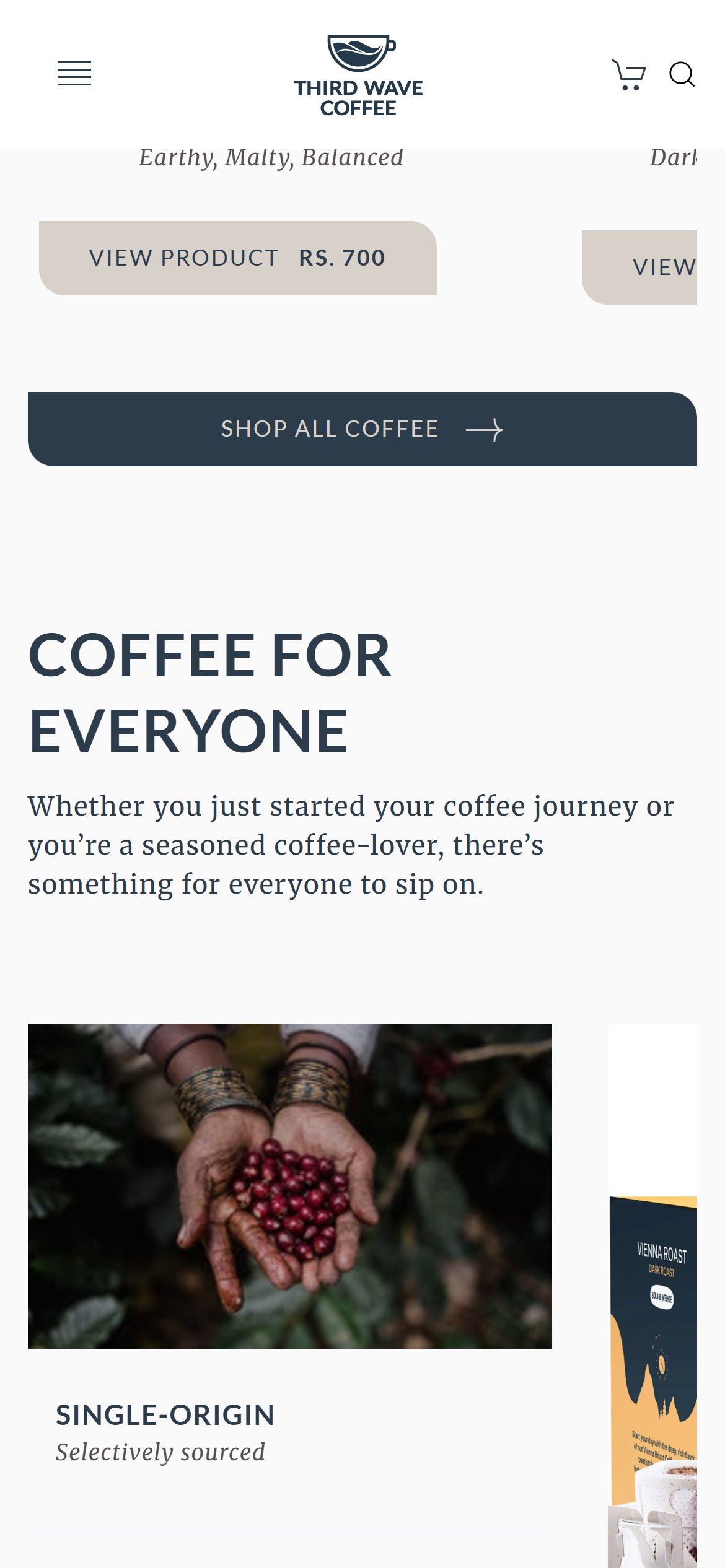
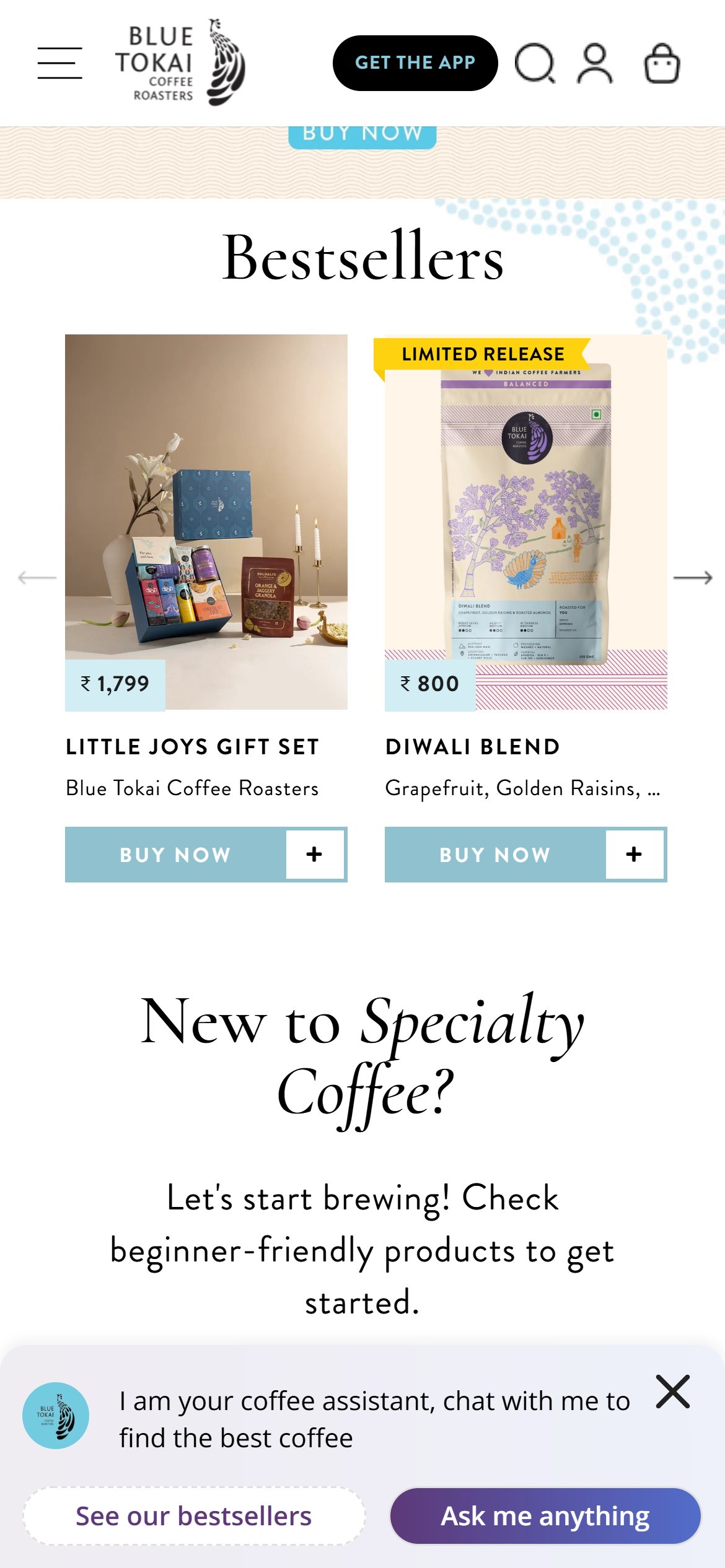
- The Bestsellers row shows each coffee as a photo, name, roast and a single grey 'View Product' button carrying the price.
- There is no add-to-bag button or plus icon on any bestseller tile, so even a repeat buyer who already knows the coffee must open the product page first.
- Every extra page before the bag is a chance for a returning customer to drop off.
- Add a one-tap 'Add to bag' button on each bestseller tile with a default size, plus a small size picker for the two bag sizes.
- Show a short confirmation (button changes to 'Added') so shoppers know it worked without leaving the page.
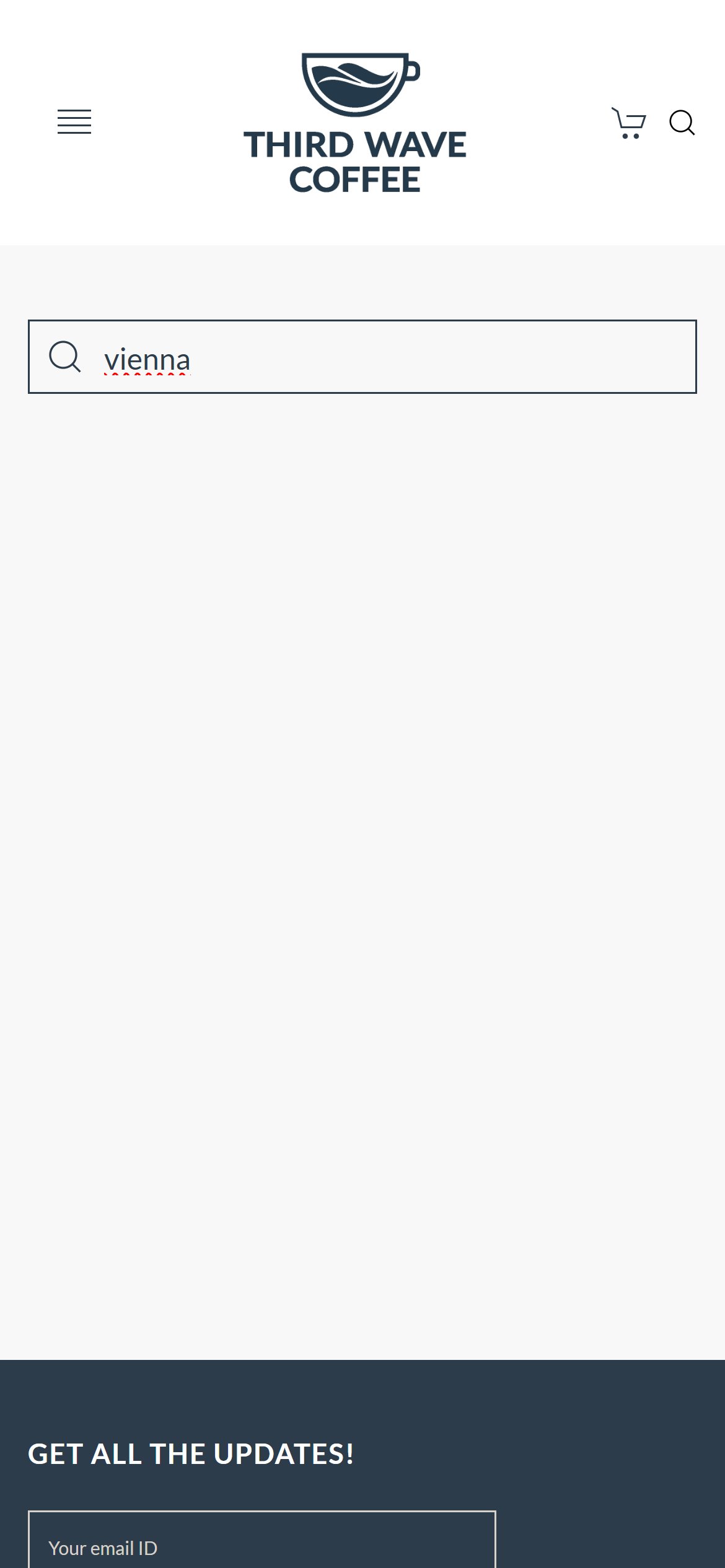
- Tapping the search icon opens a blank search page with only an empty box.
- Typing a word such as 'vienna' showed no suggestions, products or popular searches while typing; shoppers must press enter and wait for a results page.
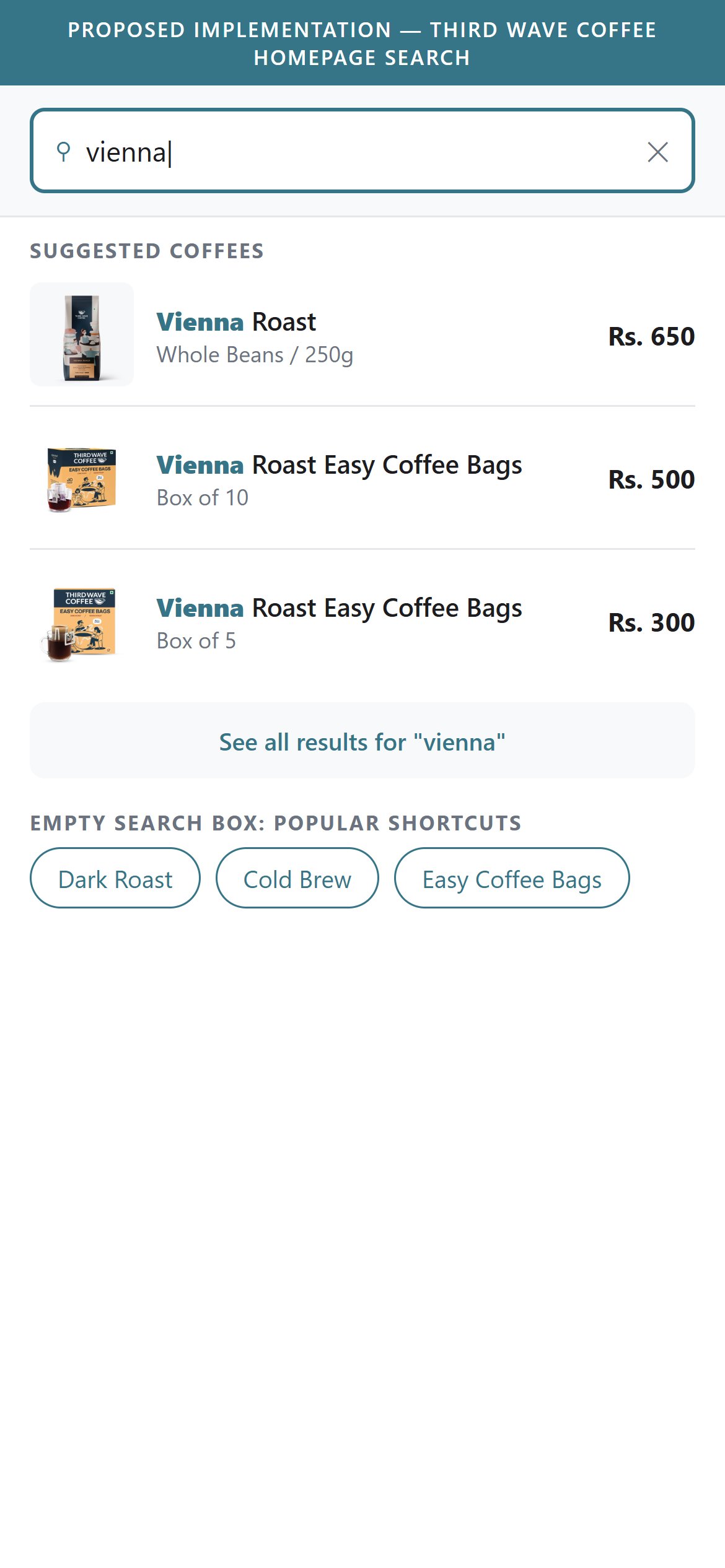
- With coffee names, roast levels and flavour notes to choose between, instant suggestions would shorten the path to a product.
- Show matching coffees with a small photo and price in a dropdown as the shopper types.
- Pre-fill the empty search page with popular coffees and roast shortcuts such as Dark Roast or Cold Brew.
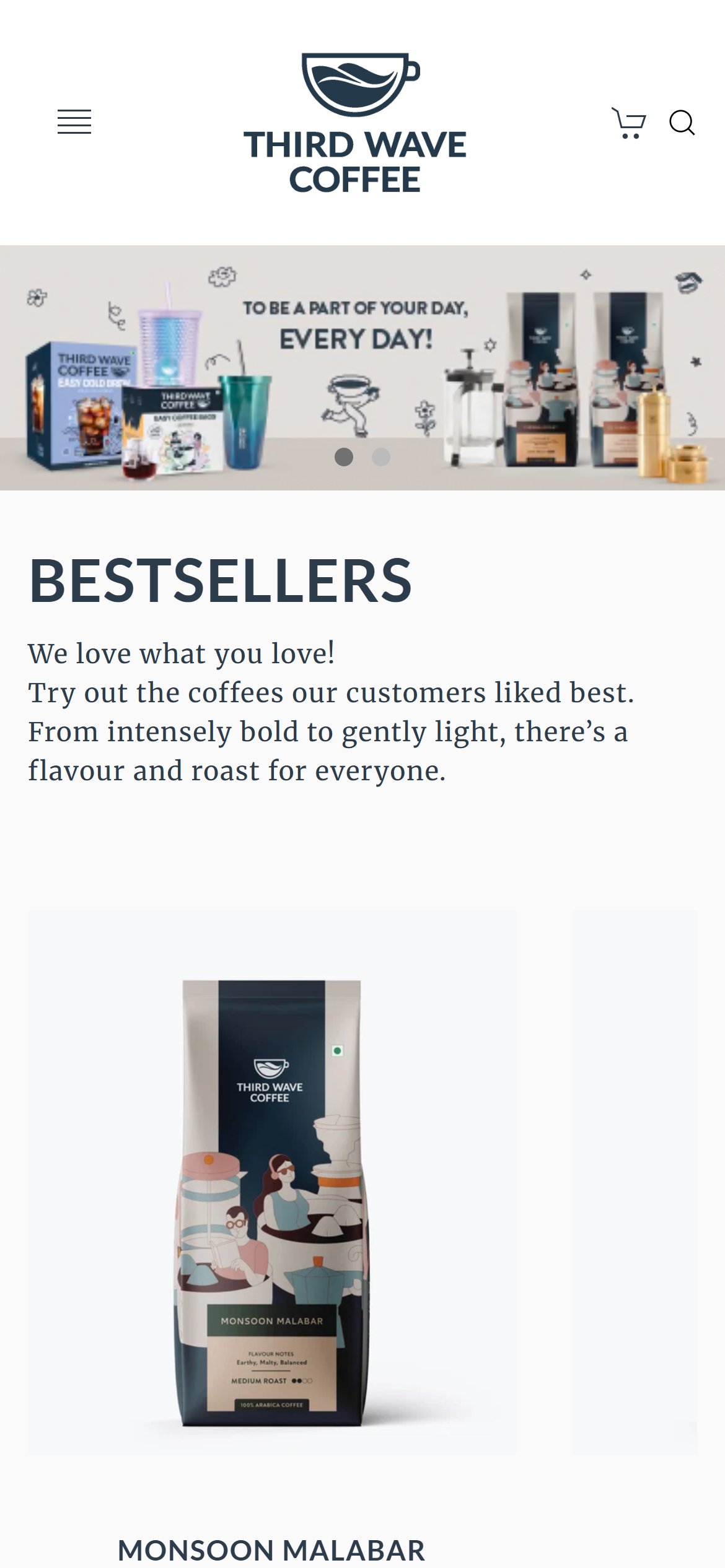
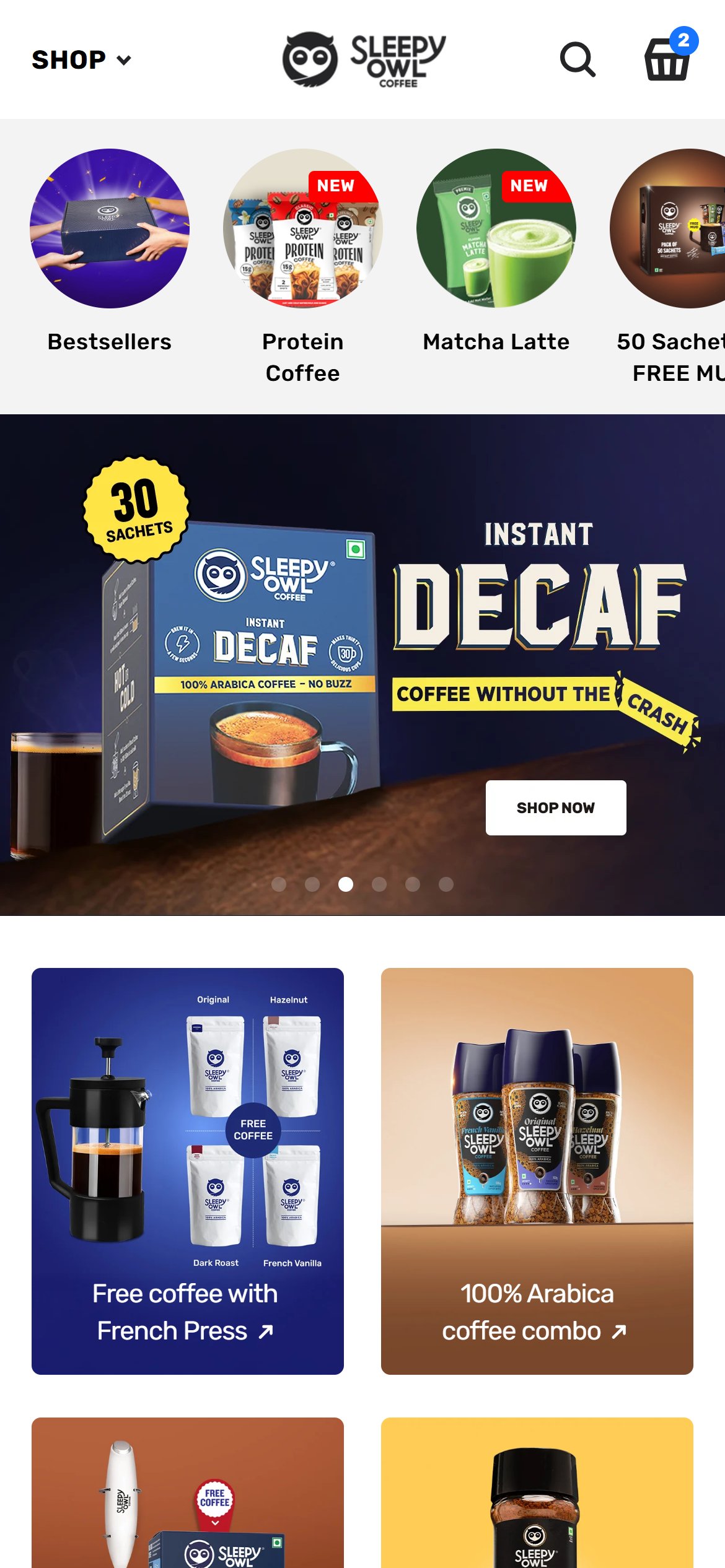
- The first thing visitors see is a short, narrow rotating banner with a lifestyle message and a few products, and no button or call to action.
- It is small compared with the screen and gives no clear next step into the coffee range; the first real shopping action only appears after scrolling past the Bestsellers heading.
- This is the most visible space on the page and currently does not point a new visitor to a purchase.
- Make the banner taller on mobile with a short headline and a clear 'Shop coffee' button that goes to the coffee range.
- Use the second slide for a first-order or bestseller message with its own button.
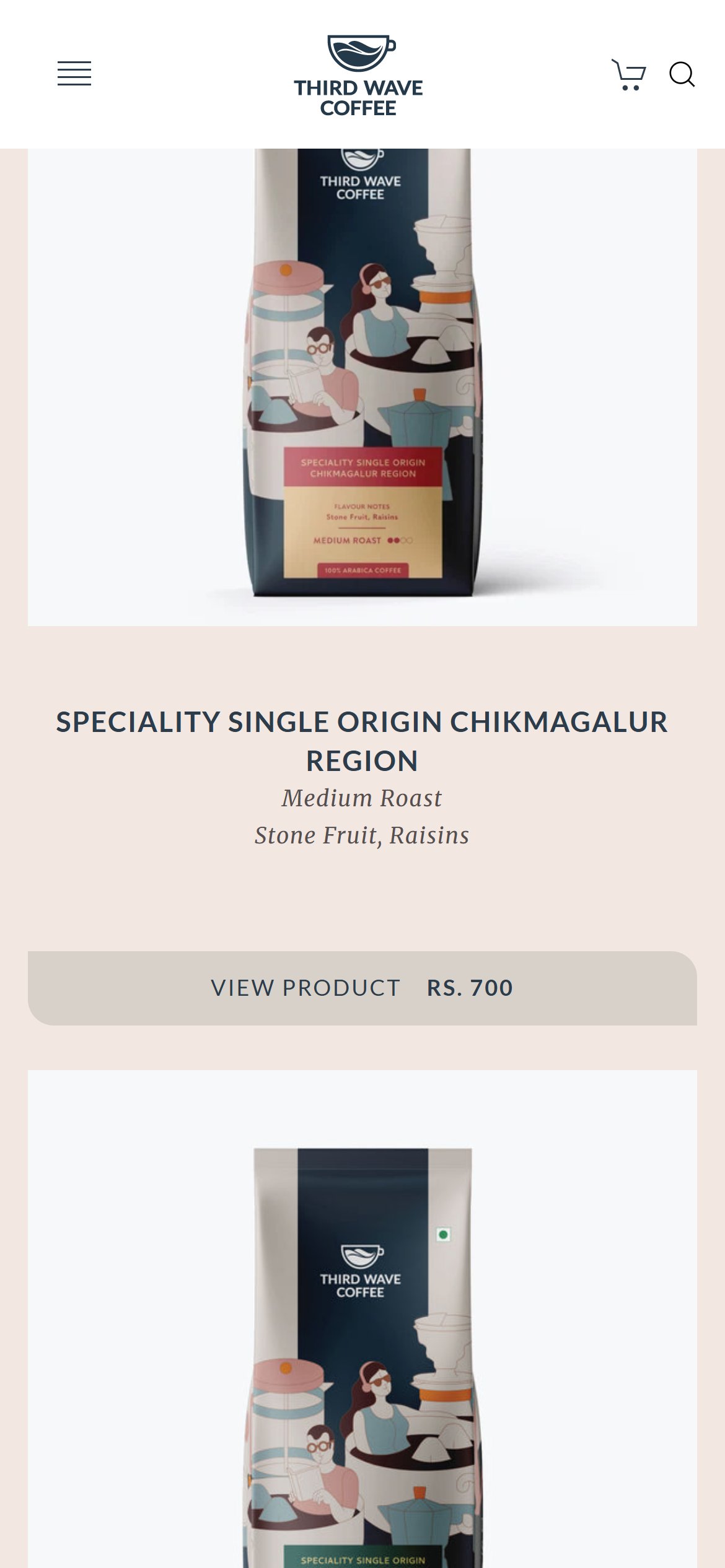
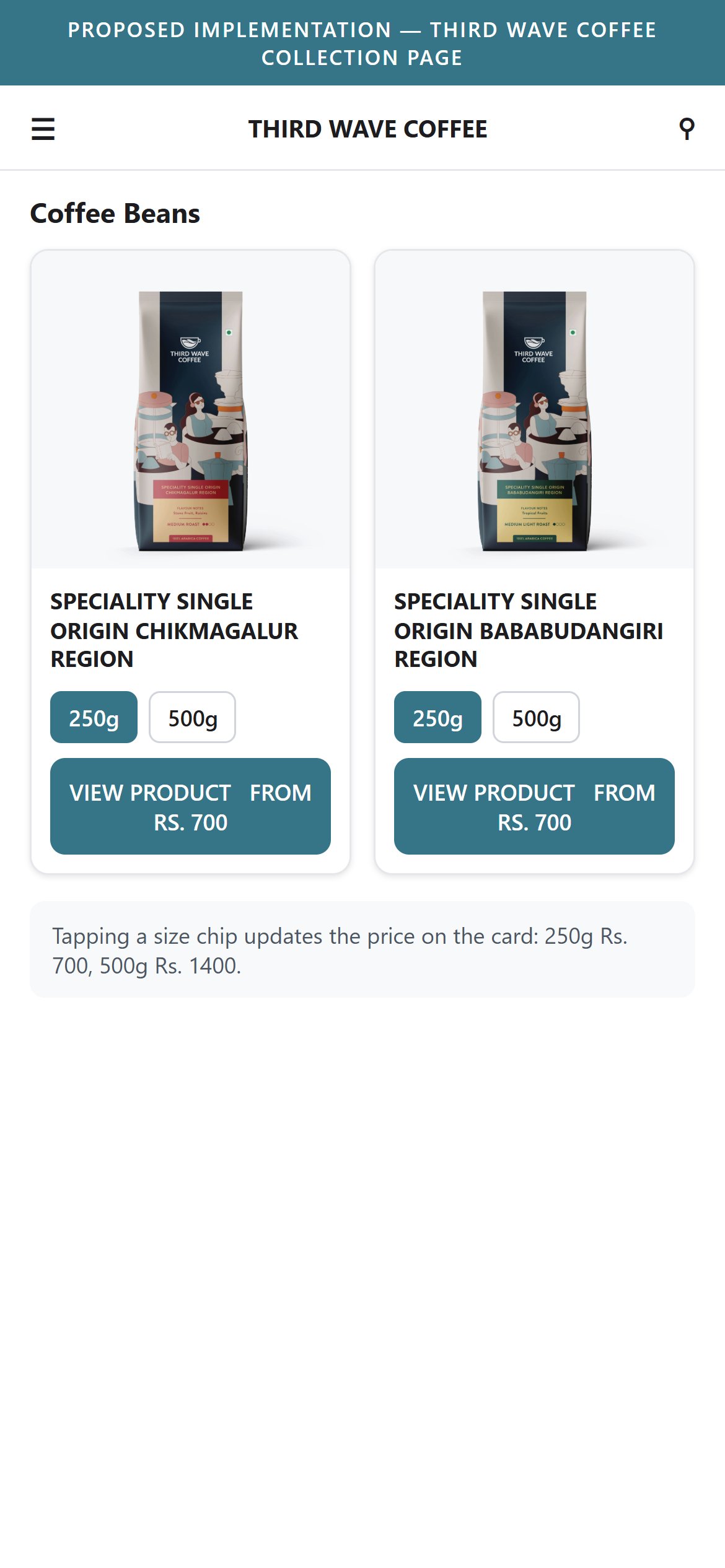
- On the Coffee Beans range each card shows a photo, name, roast, flavour notes and one price on a grey 'View Product' button.
- Nothing on the card tells the shopper that a 250g and a 500g bag exist; this only appears after opening the product page.
- The single price shown does not signal that the larger bag costs more, which can create a surprise later.
- Show the available bag sizes as small chips on each card and update the price when one is chosen.
- Use a 'From' price on the button when more than one size is sold.
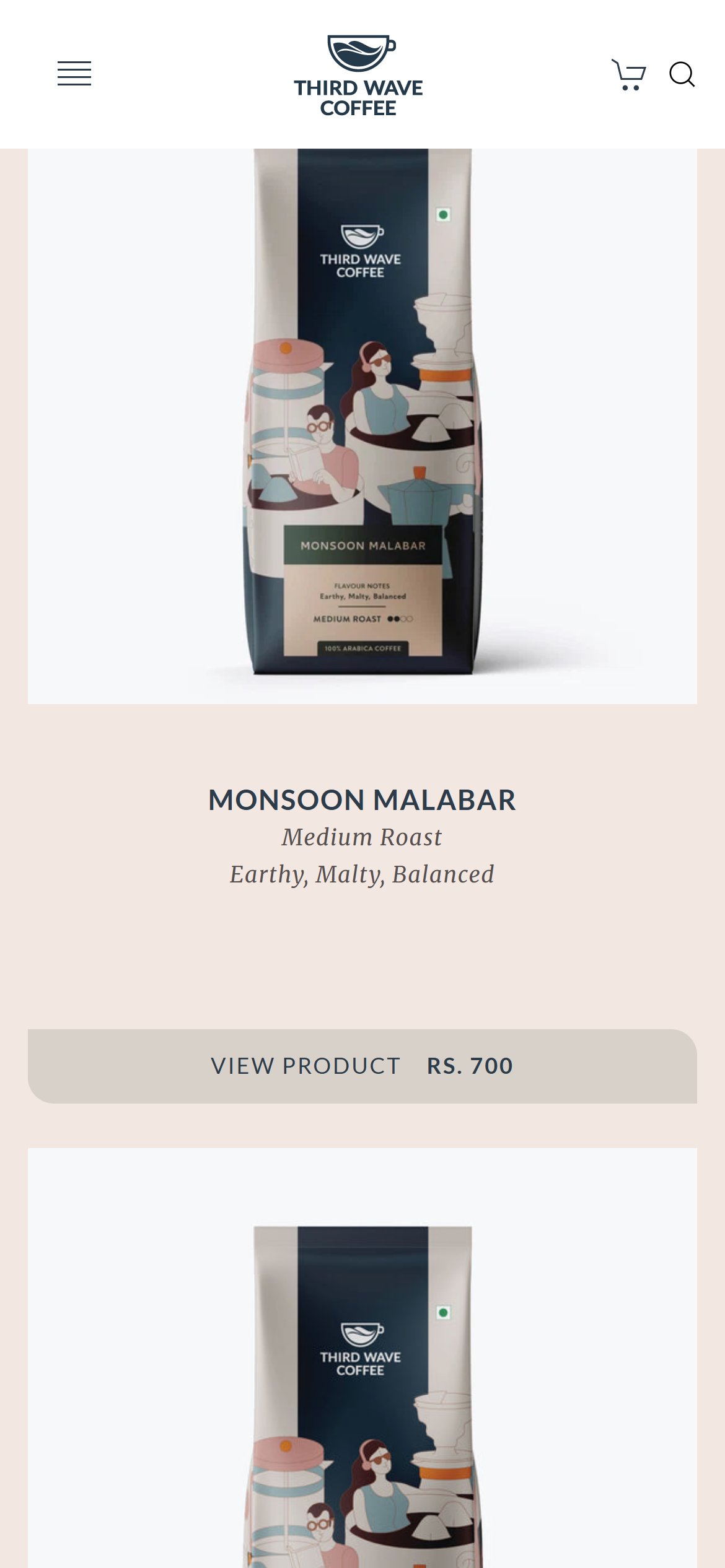
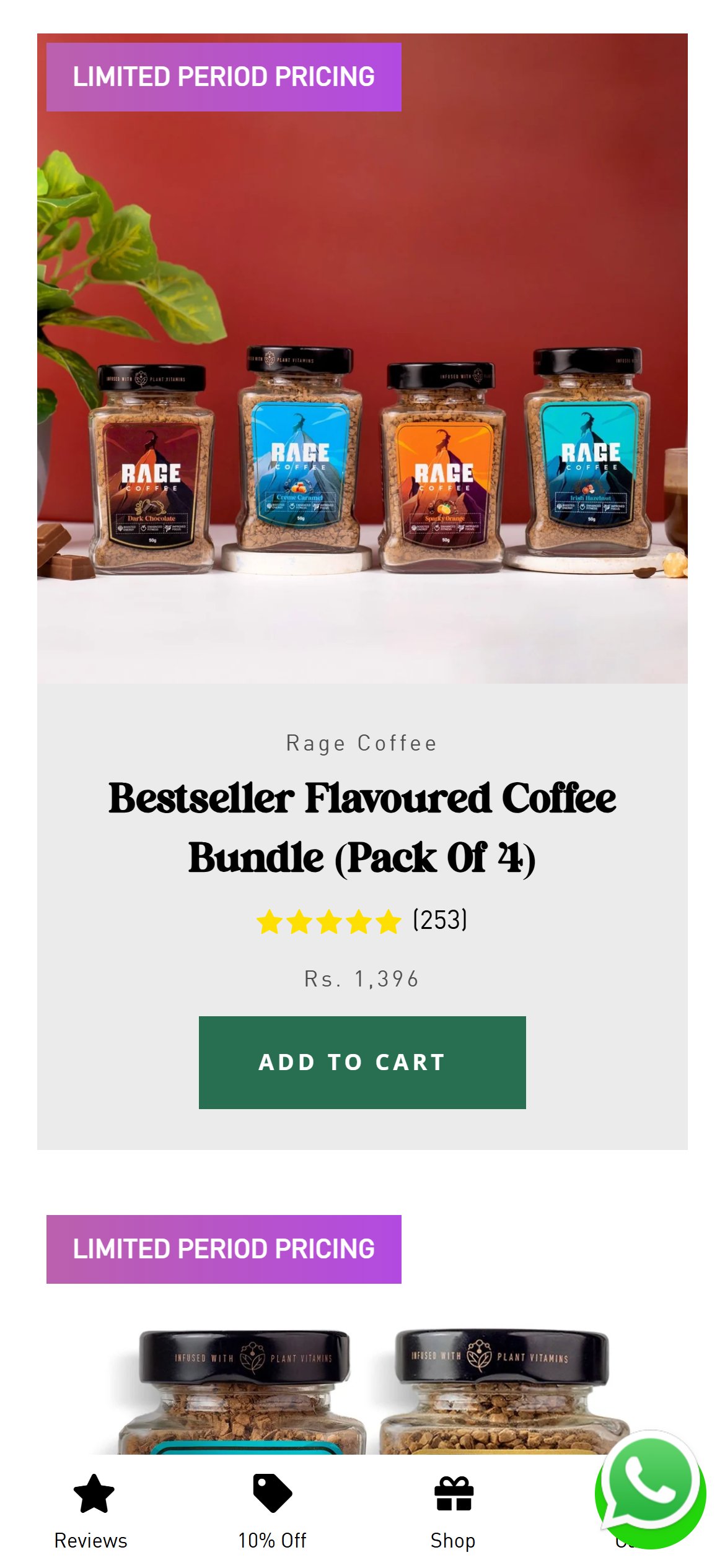
- Cards carry a name, roast, flavour notes and price but no tag such as Bestseller or New, and no rating.
- The coffees look equally weighted, so a first-time buyer has no cue about where to start.
- Social proof at the browsing stage helps shoppers commit to one coffee.
- Add a small Bestseller or Most loved tag on the top coffees.
- Show a star rating once a reviews tool is added, and a short 'Good for' line such as 'Great for filter coffee'.
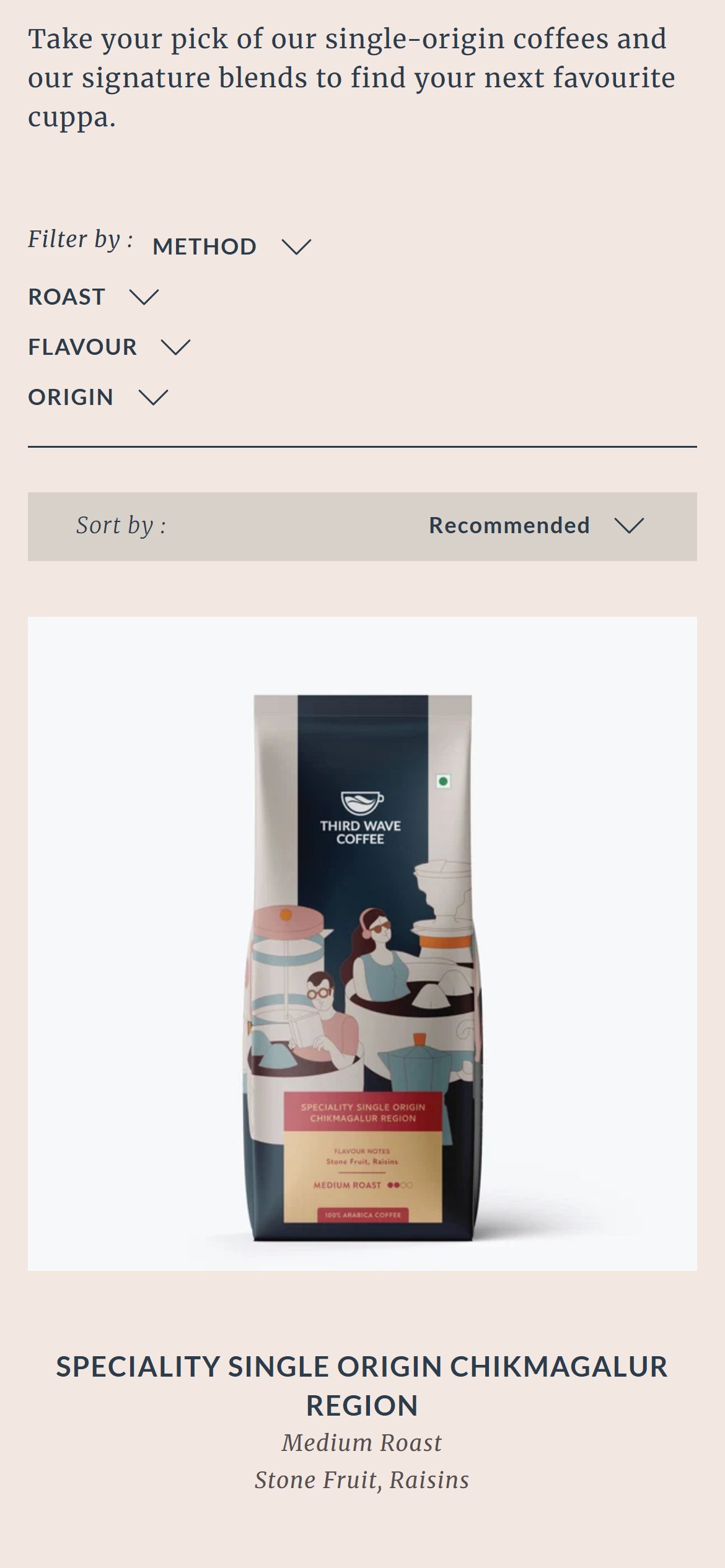
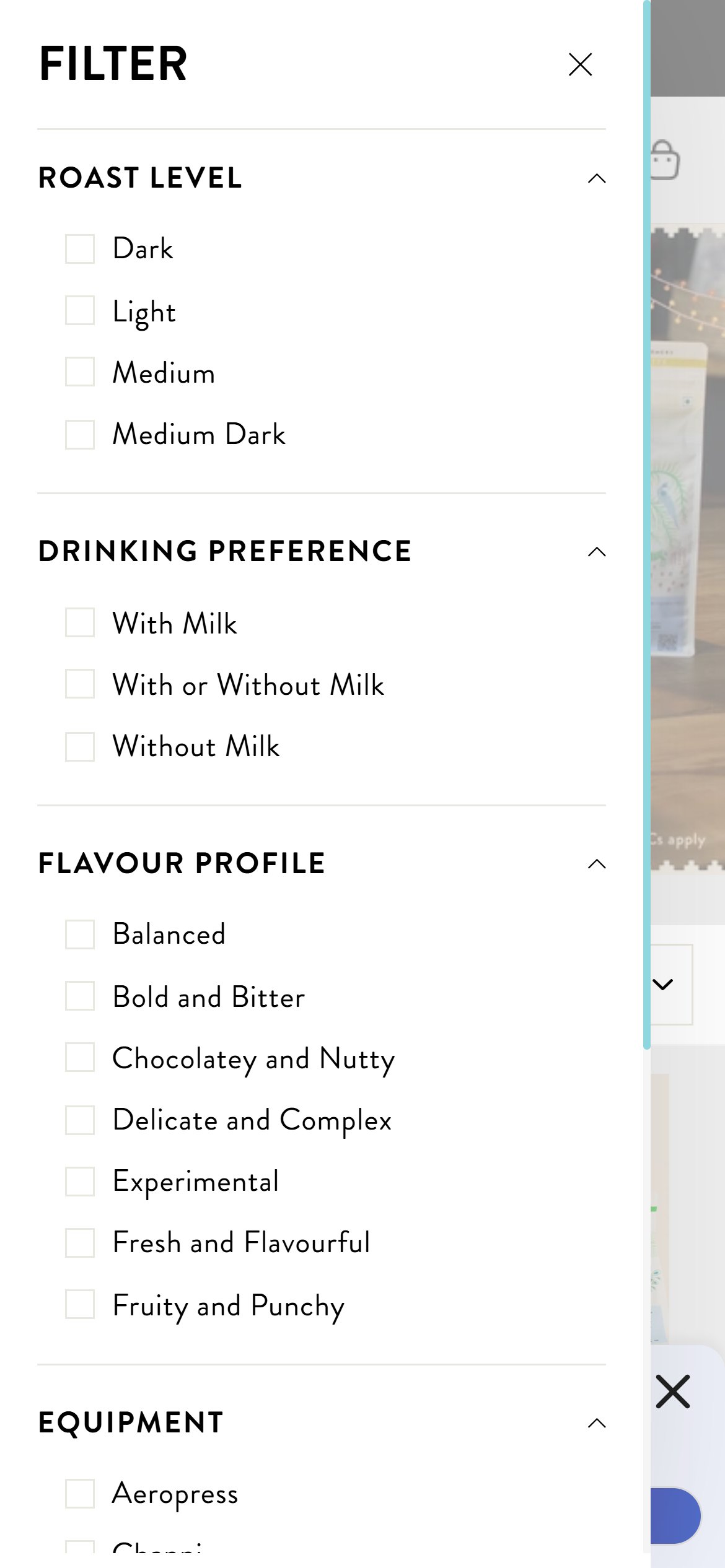
- The page opens with a stack of four folded filter names (Method, Roast, Flavour, Origin) plus a sort bar before the first coffee appears.
- The options inside each filter are hidden until tapped, and the folded block pushes the first coffee down the first screen.
- For a short range, the choices shoppers care about most (roast and brew method) could be one tap away.
- Show roast and brew method as tappable chips above the products, keeping other filters inside a single Filter button.
- Make the chips stay visible while scrolling so shoppers can switch without going back up.
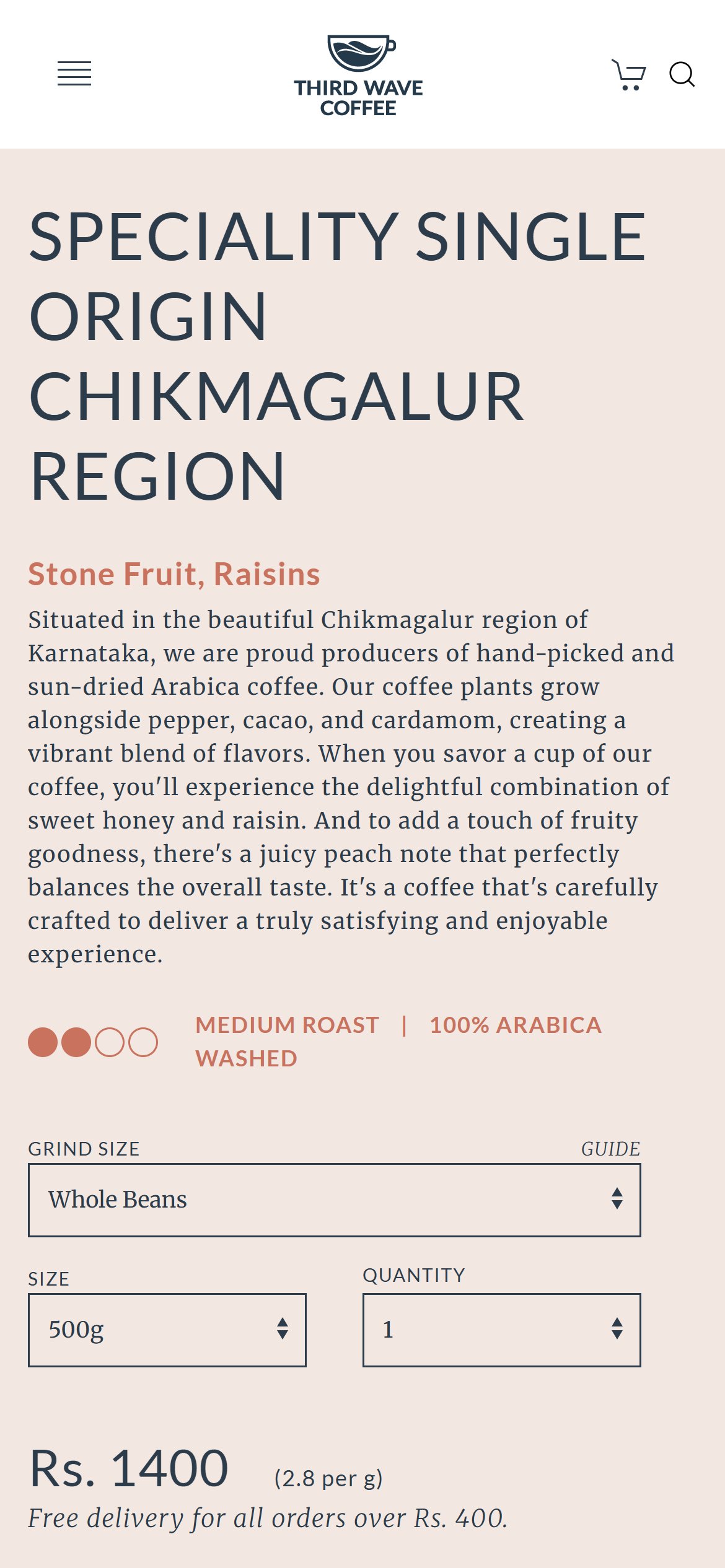
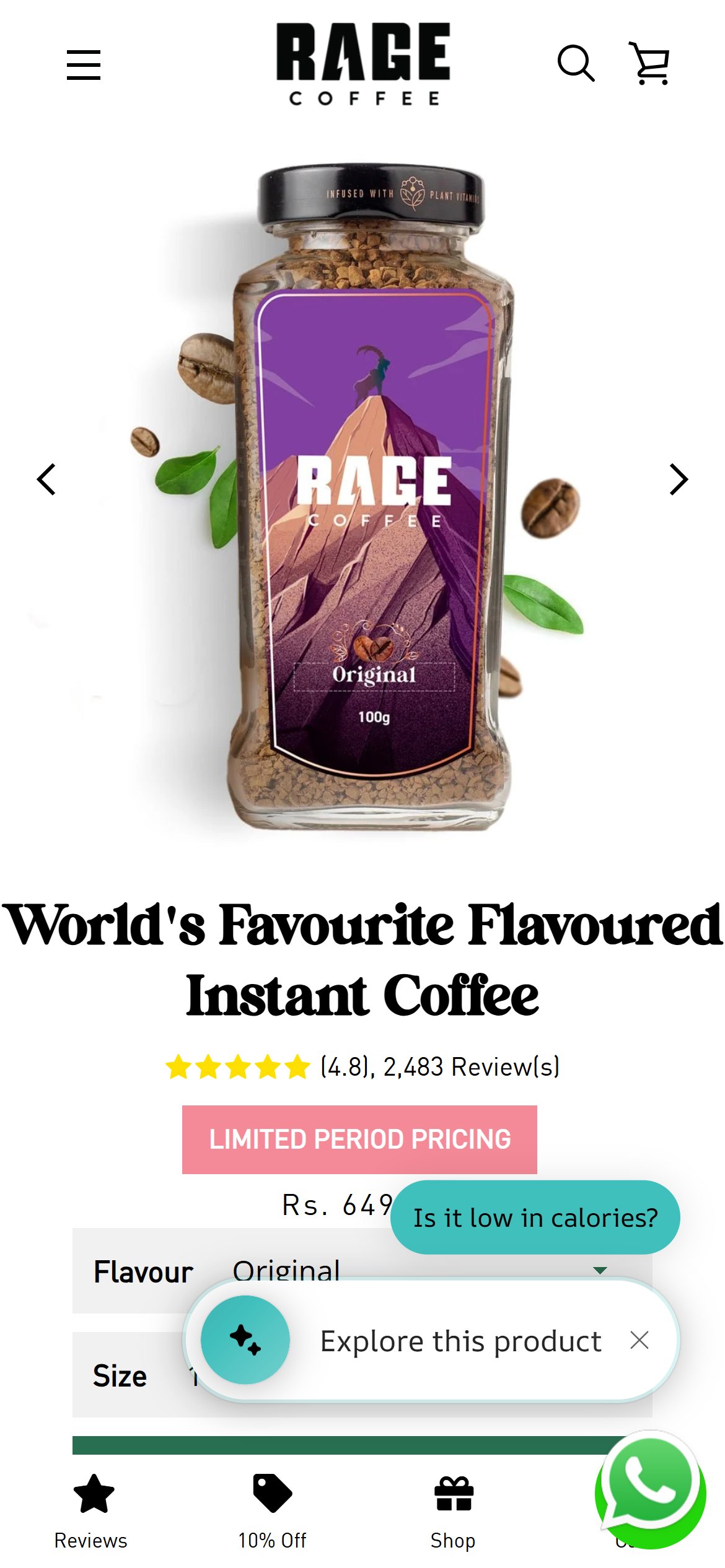
- Near the product name and price there are no stars, rating or review count.
- No review section or customer feedback appears anywhere on the page, from the top to the footer.
- A first-time buyer spending on a specialty coffee has no proof from other customers at the moment of decision.
- Add a star rating and review count right under the product name that scrolls to a reviews section.
- Collect reviews after delivery by email, and show a few short taste-focused quotes near the buy button.
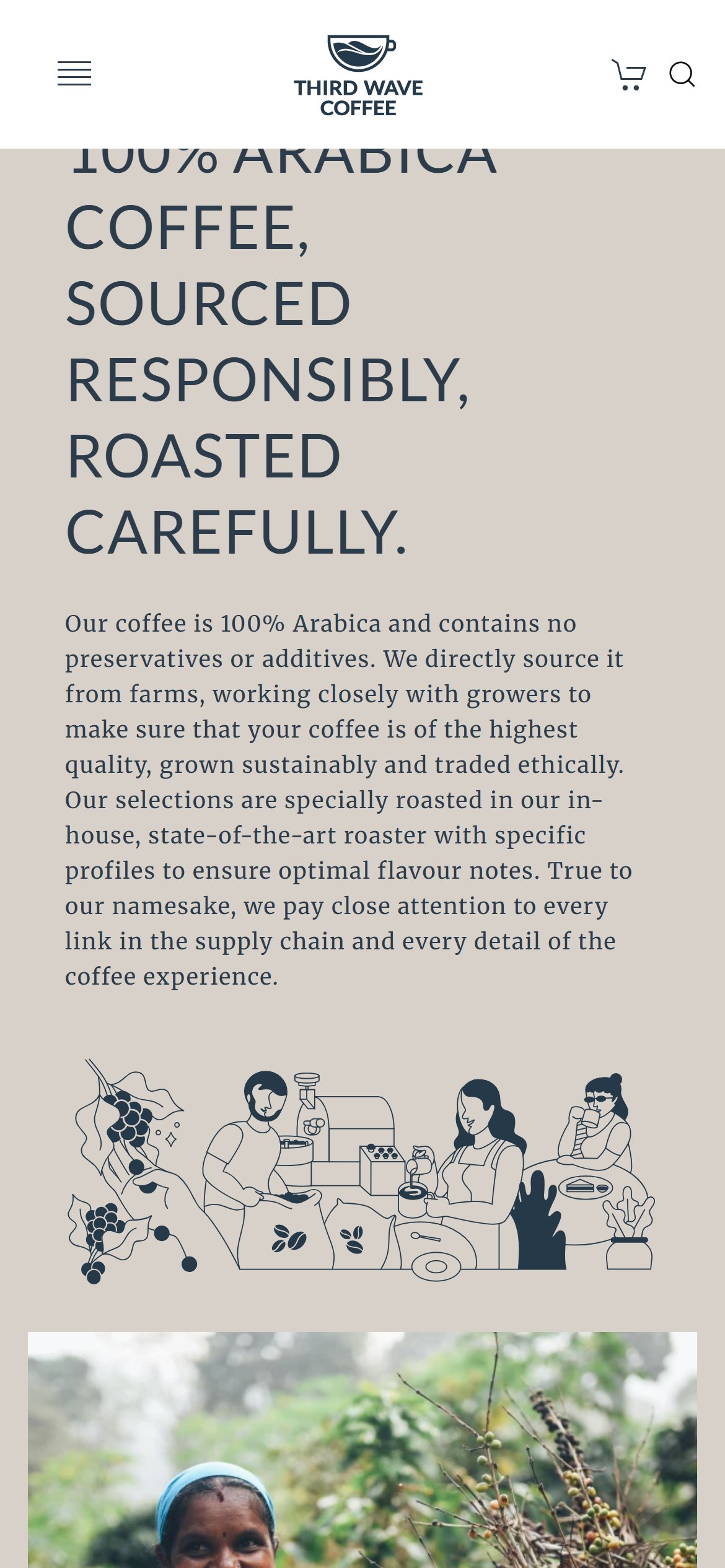
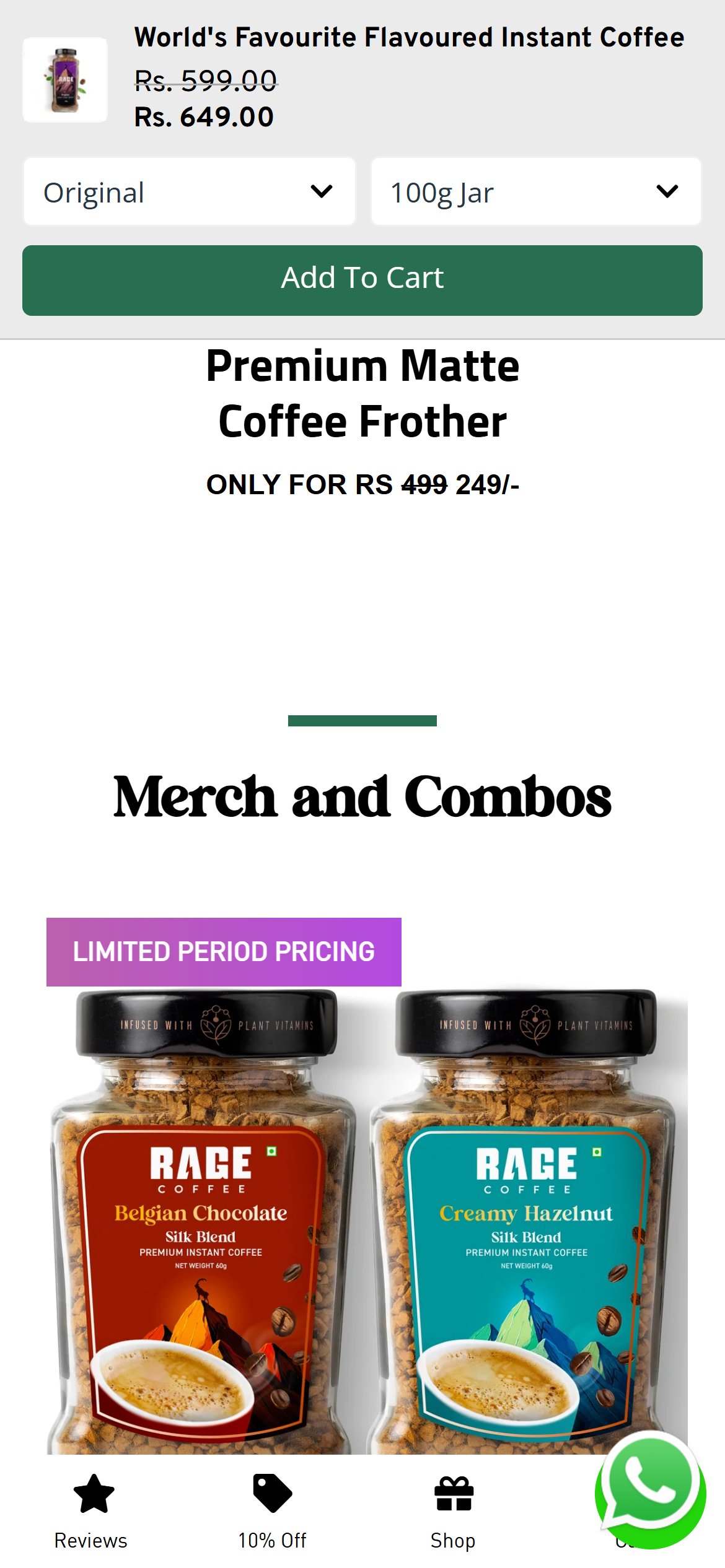
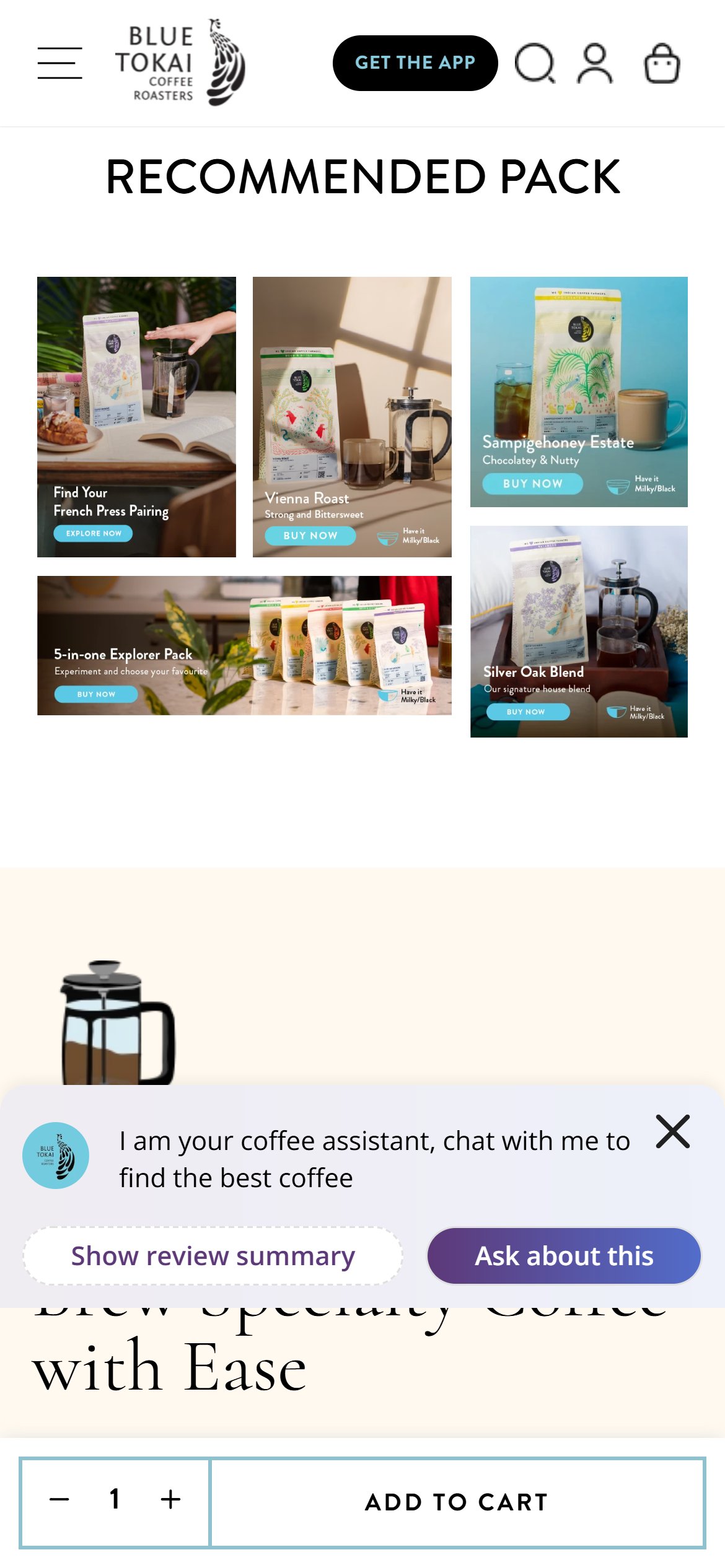
- After the buy buttons, the page continues with a long story about sourcing and roasting, a recommendations row and more story sections.
- Scrolling the page up and down its whole length, only the header stays fixed; no add-to-bag bar ever appears.
- A shopper who is convinced by the story has to scroll all the way back up to buy.
- Add a slim bar fixed to the bottom of the screen with the coffee name, price and an Add to bag button once the main button scrolls out of view.
- Hide it again when the main button is visible so it never doubles up.
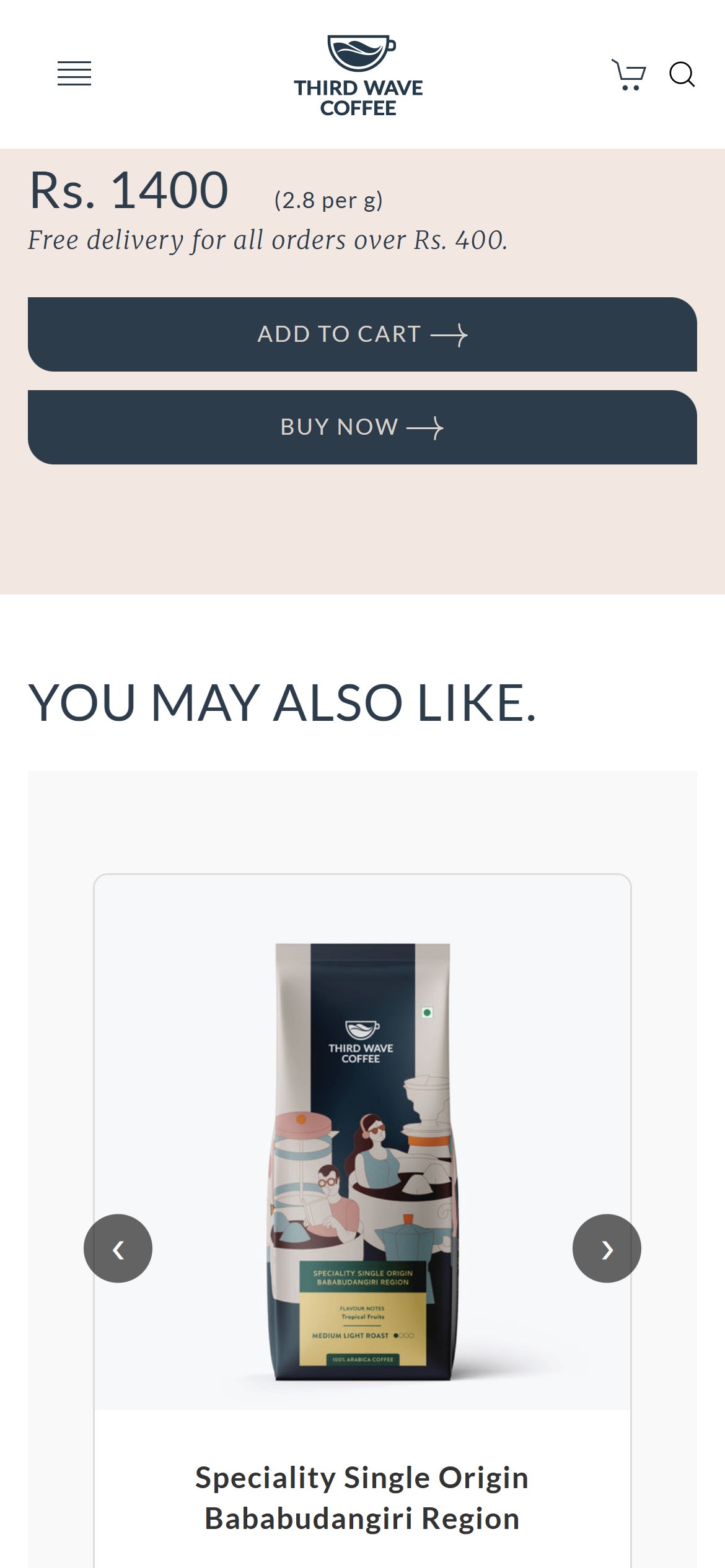
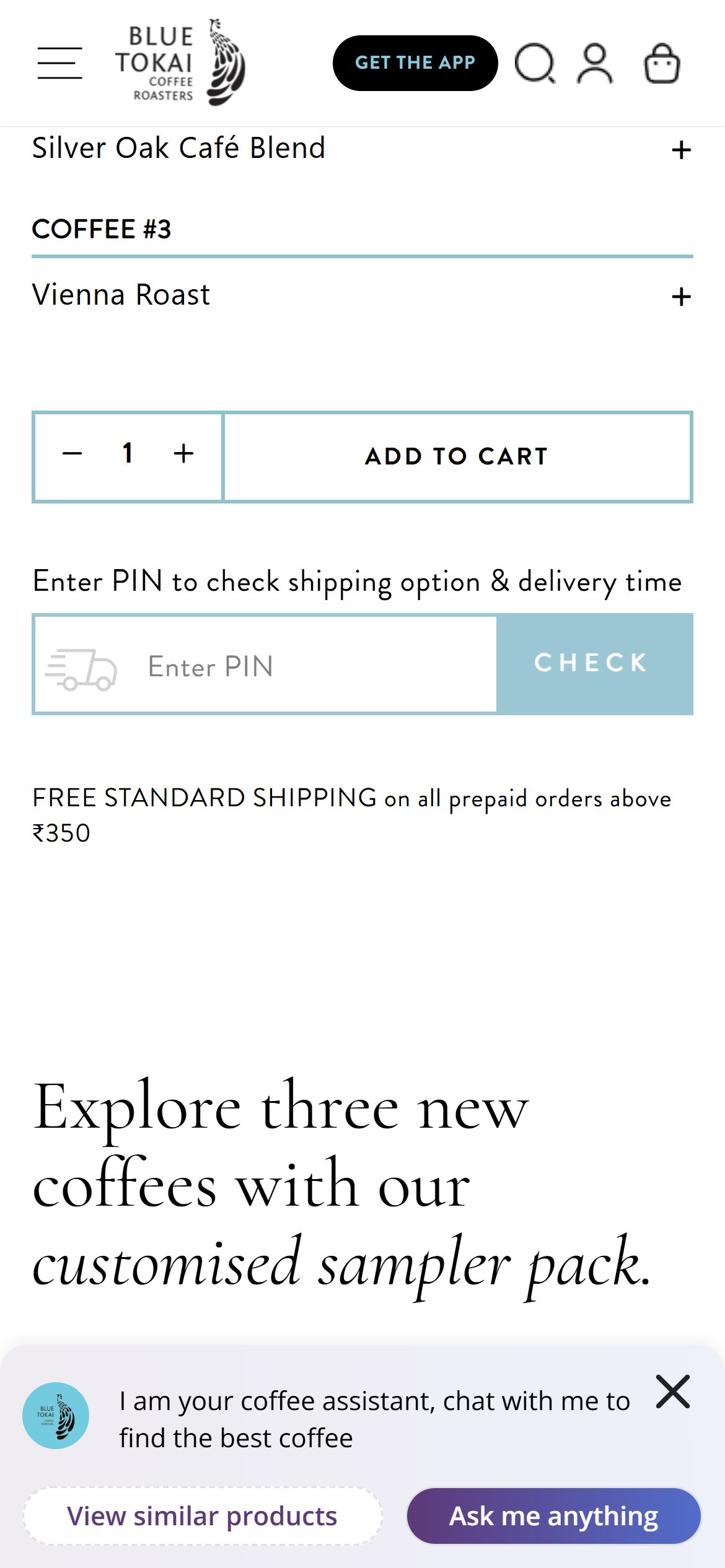
- Under the price there is a free delivery line, but nothing on delivery time and no pincode check.
- Shoppers cannot tell whether the coffee will reach them, or how fresh it will be on arrival, until checkout.
- Freshness matters for coffee, so delivery time is a key reassurance.
- Add a pincode box under the price that shows delivery availability and an estimated arrival date.
- Add a short line such as 'Roasted fresh and shipped soon after you order'.
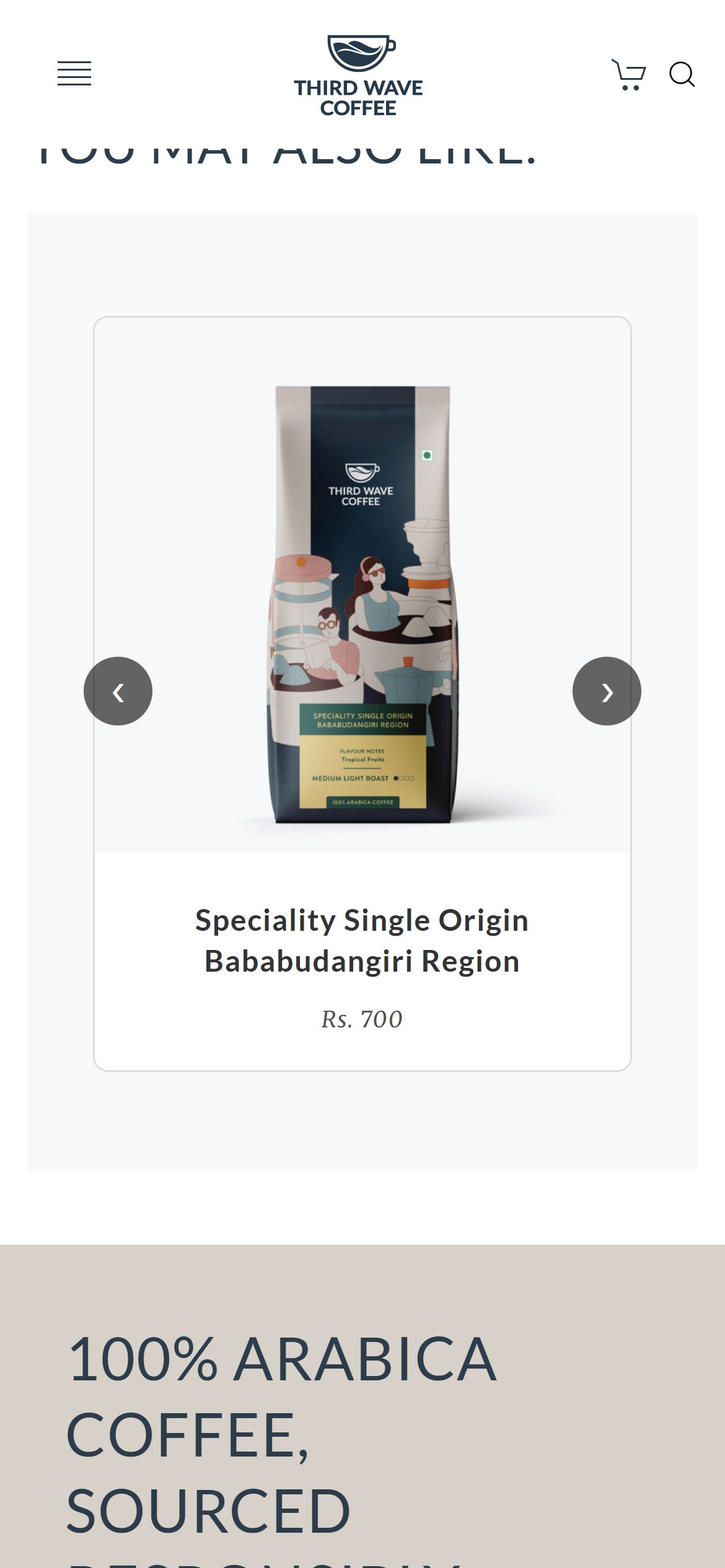
- The You May Also Like section shows one coffee at a time in a large slider, so shoppers must tap arrows to discover each alternative.
- Each recommended card carries only the name and price, with no taste note or roast cue to help a shopper choose.
- There is no quick add on the recommended card, so adding a second coffee means leaving the current product page.
- Show recommendations as a compact grid or a slider with several cards visible at once.
- Add a short taste line and a quick add button on each recommended card.
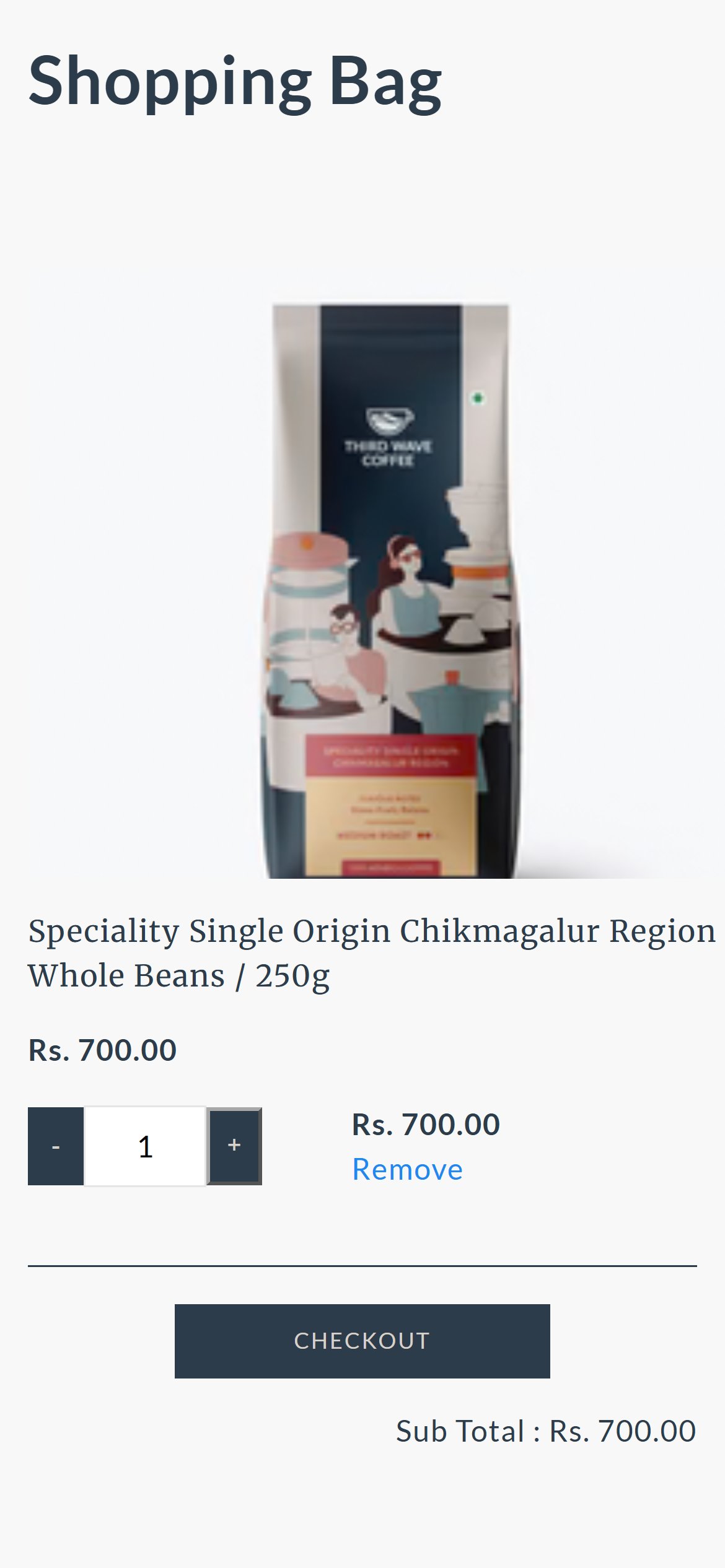
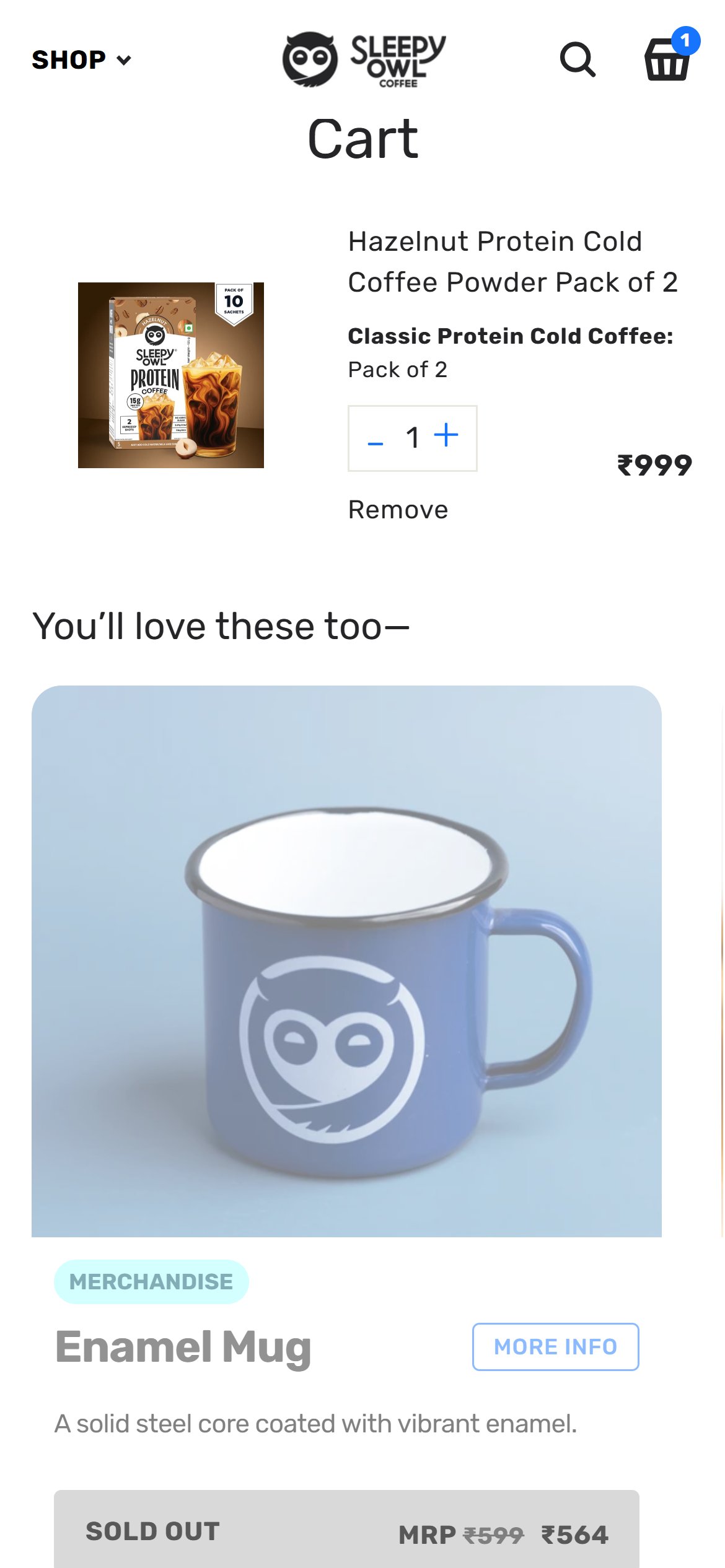
- The Shopping Bag shows the item, quantity buttons, a checkout button and a sub total, and nothing else.
- No recommendations such as another roast, an easy brew pack or a mug appear anywhere on the page.
- The bag is a natural moment to suggest a second coffee or accessory.
- Add a short row below the items offering a complementary coffee or brew accessory with a one-tap add.
- Keep it to a few relevant picks.
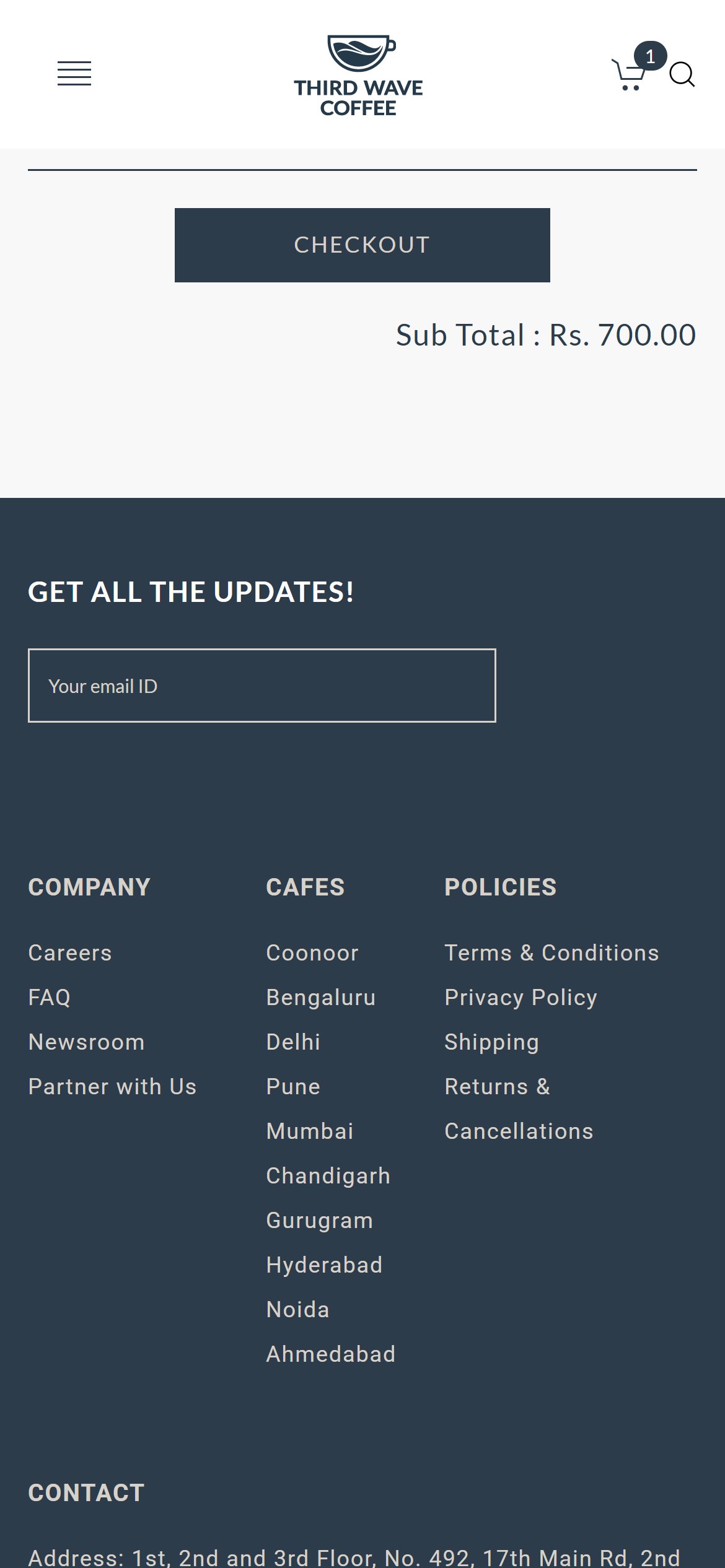
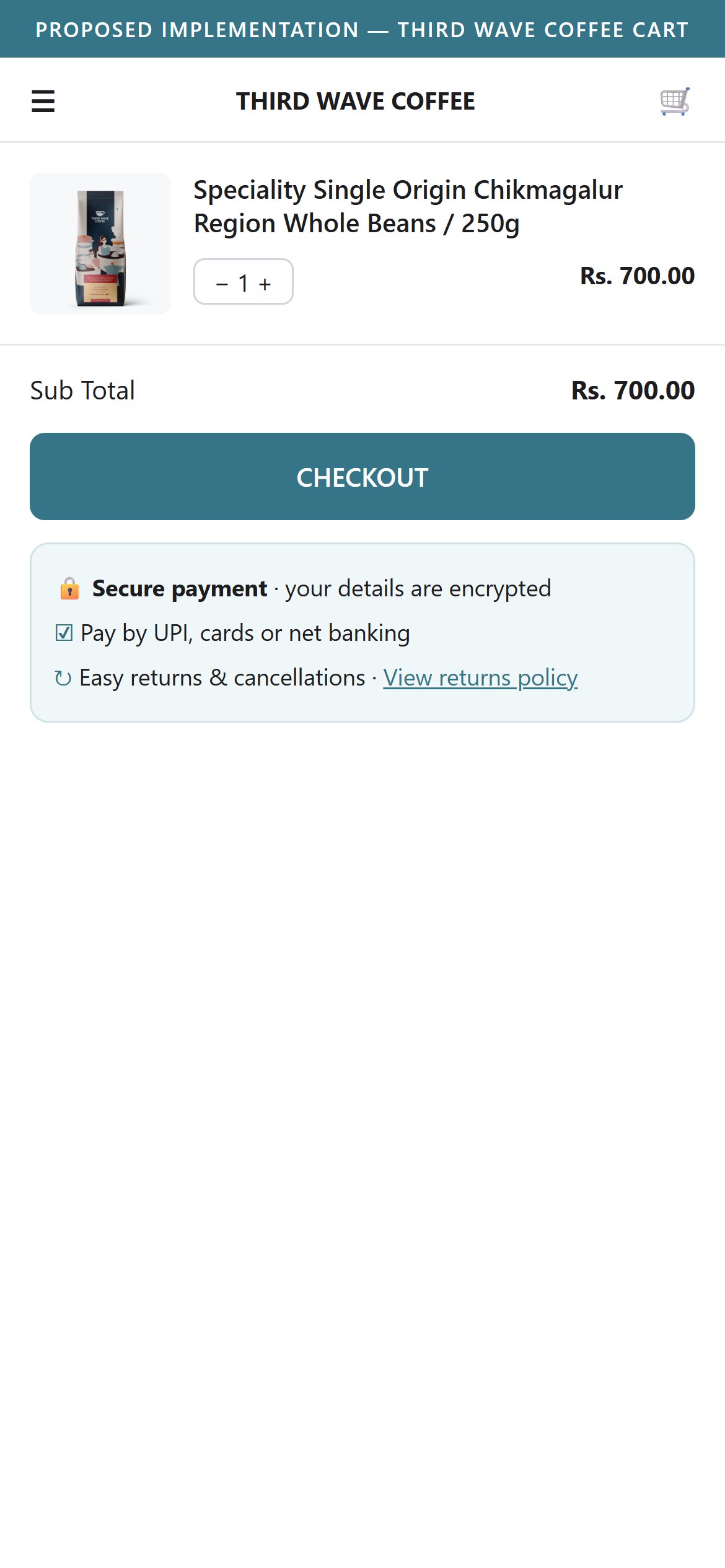
- The checkout button sits alone with no payment, safe-payment, freshness or returns message around it.
- Shoppers are about to leave for payment and see no last-moment reassurance.
- Add a short row under the checkout button with secure payment, accepted payment methods, and an easy returns or freshness promise.
- Link to the returns policy.
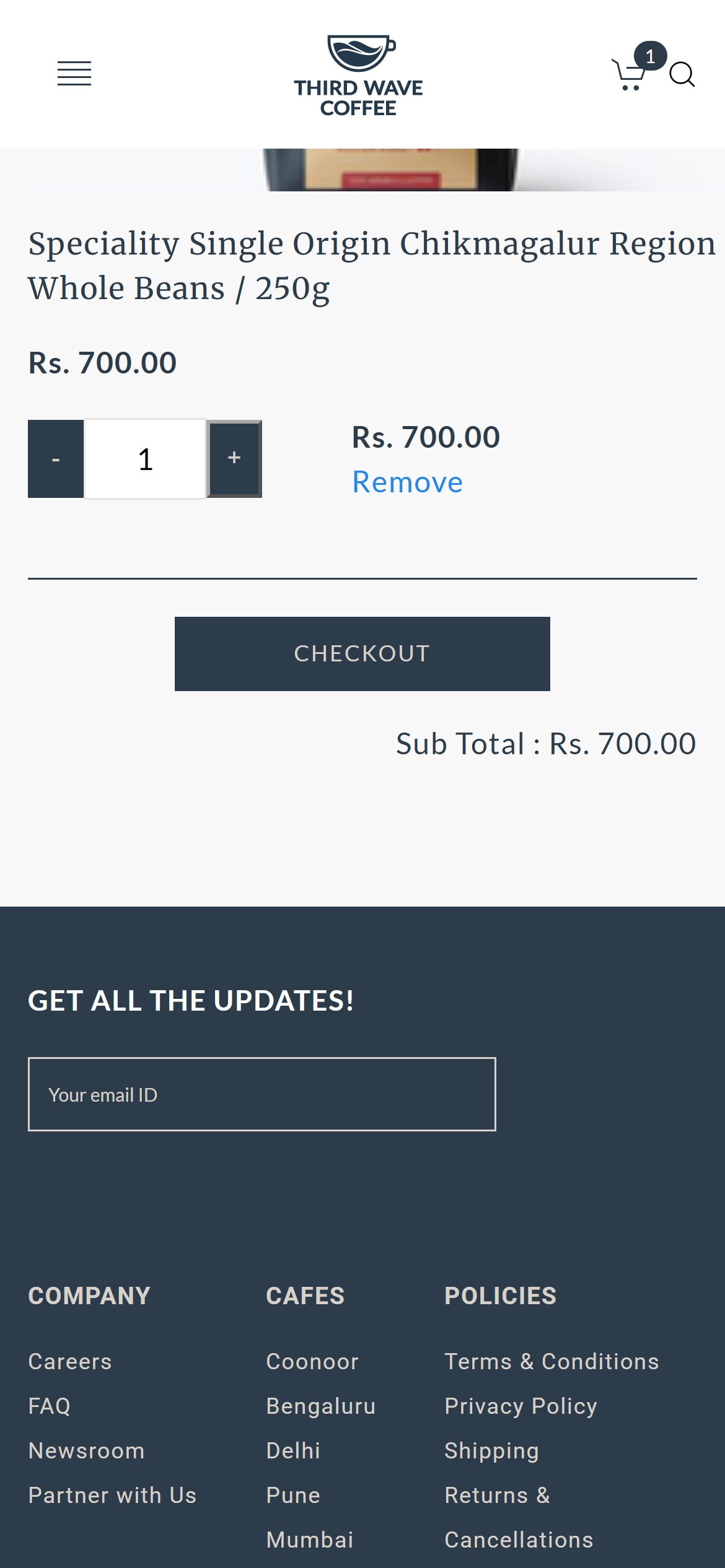
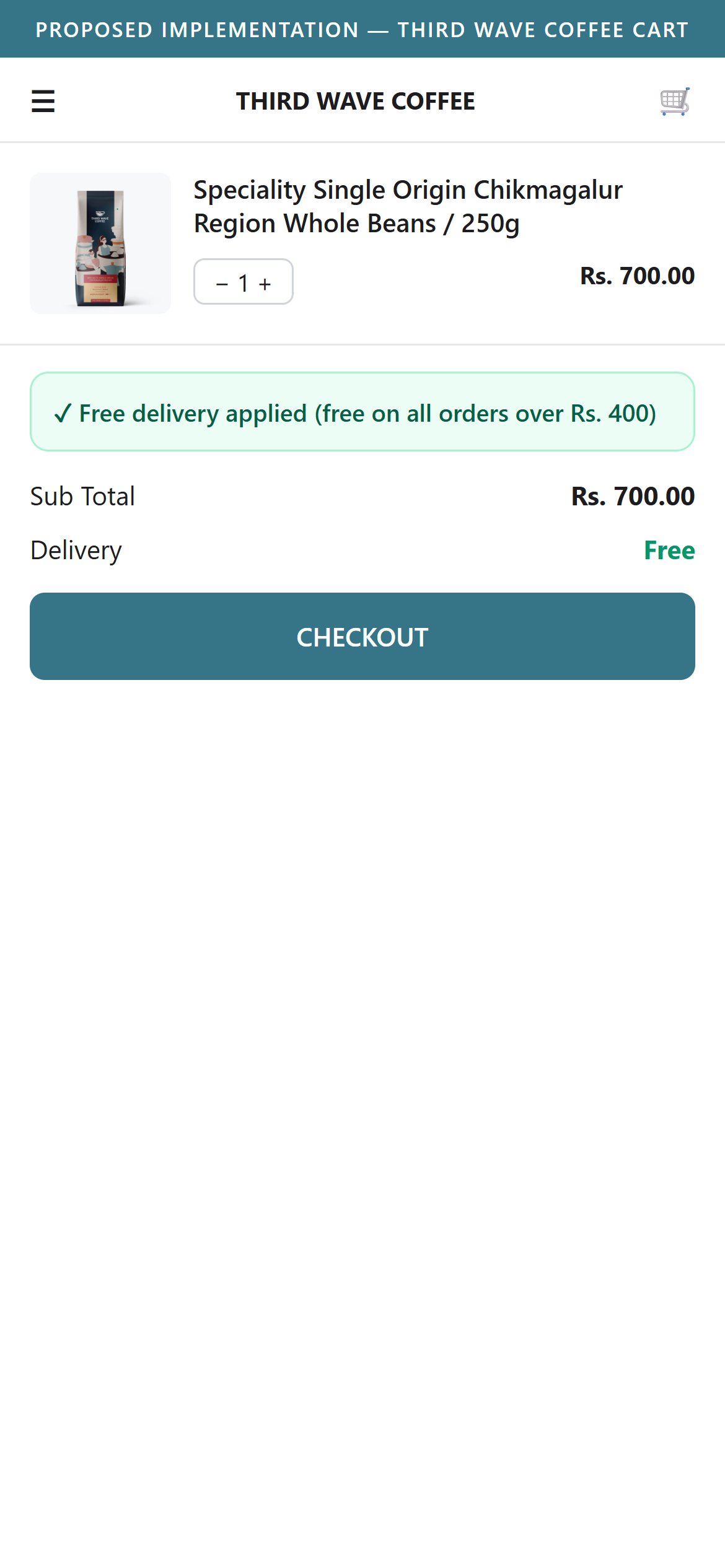
- The product page says delivery is free above a small order value, but the bag shows only a sub total with no delivery line or message.
- Shoppers cannot confirm the delivery cost before leaving for checkout.
- Show a line near the sub total such as 'Delivery: Free', or a delivery charge line if one applies.
- If a threshold applies, show a progress message toward it.
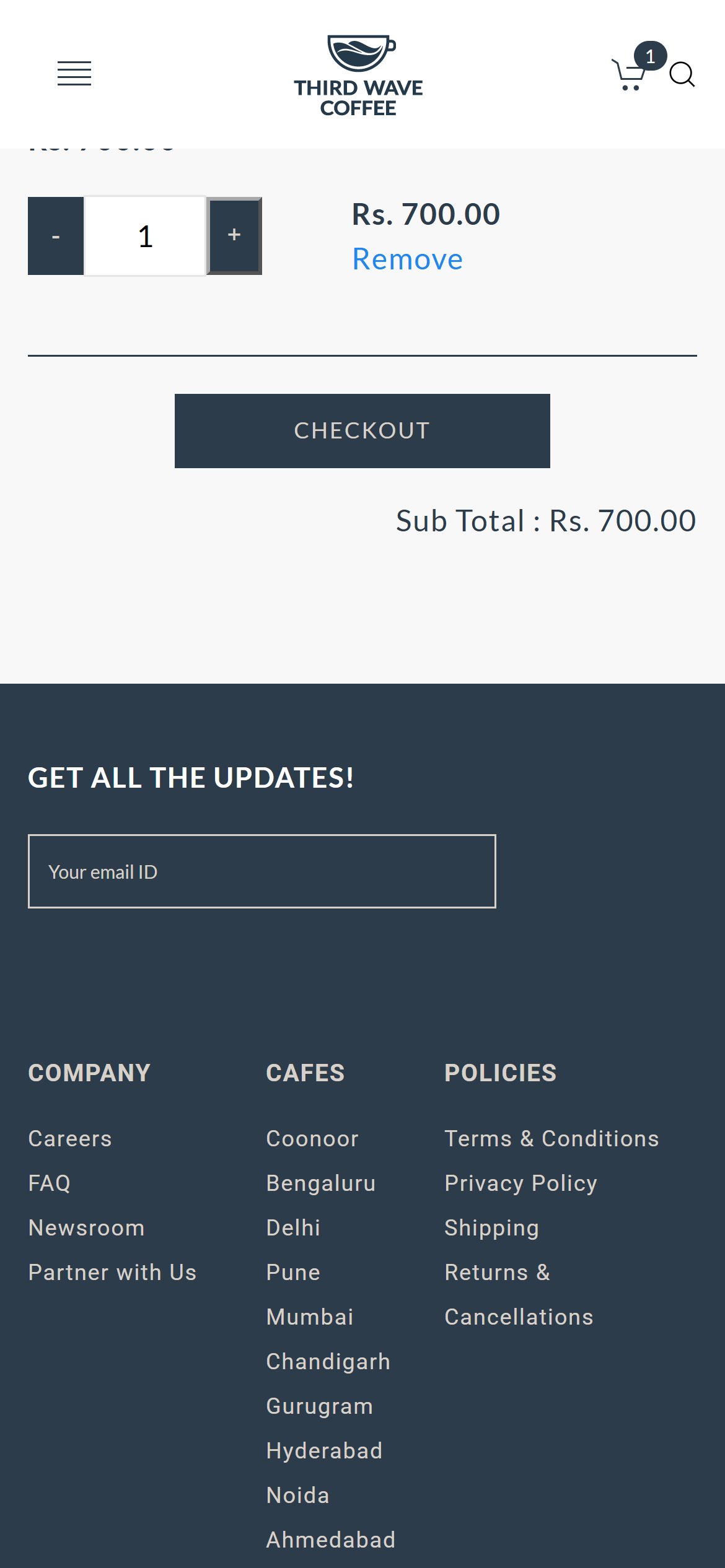
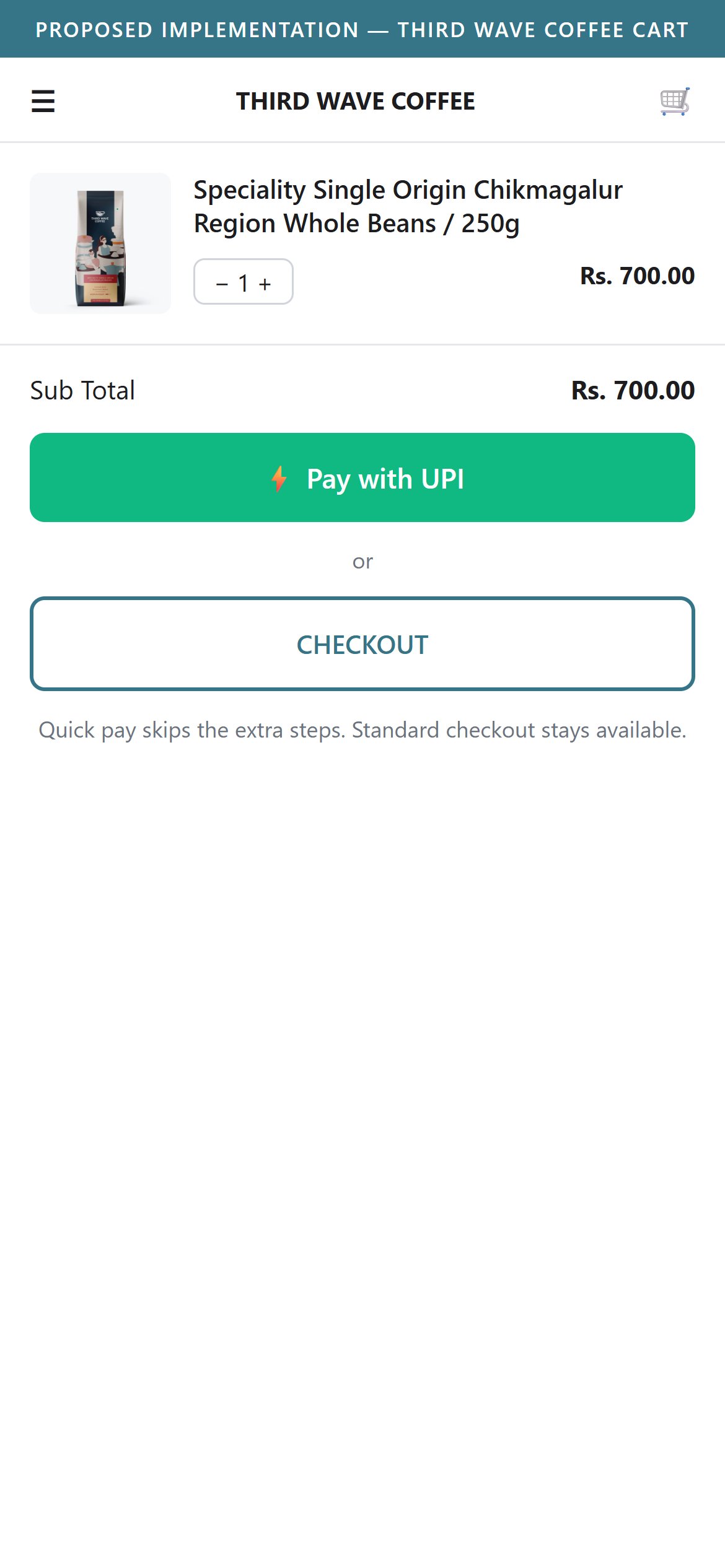
- The only way forward is a single standard Checkout button.
- No quick pay option such as a UPI or wallet button is offered beside it.
- Mobile shoppers who buy coffee on repeat benefit from fewer steps.
- Add a quick pay button (for example a UPI or wallet express option) next to Checkout.
- Keep the normal checkout as a clear second option.
App Ecosystem
What's installed vs what's missing from best-in-class Food & Beverage stores
Present (11)
Missing (5)
App Stack Assessment
Detection was done from page scripts and requests on the homepage, a coffee range page, a product page and the bag. Recurpay is installed but showed no plans for the audited product, so it is listed as present with a warning rather than as missing.
Confidential — Prepared for Third Wave Coffee by Growisto | October 2026